
Protection for PC, Mac and mobile from the leading brands: Bitdefender, ESET, Kaspersky, Norton, McAfee and more.
 Panda Dome Advanced, 1 Device, 1 Year
7.73 €
 ESET HOME Security Essential, 3 Devices, 1 Year
39.68 €
 Bitdefender Total Security, 5 Devices, 1 Year (GR/CY)
39.68 €
Genuine digital licences for Windows 11 and Windows 10, Pro and Home. Your key arrives by email within minutes.
 Windows 11 Pro, 1 PC, Lifetime License
9.39 €
 Windows 10 Pro, 1 PC, Lifetime License
9.39 €
 Windows 10 Home, 1 PC, Lifetime License
9.39 €
Microsoft Office licences for Windows and Mac: Word, Excel, PowerPoint and Outlook, as perpetual editions and subscriptions.
 Microsoft 365 Personal, 1 User, 1 Year
90.40 €
 Ashampoo Office 9, 5 PCs, Lifetime License
37.20 €
 Microsoft Office Professional Plus 2019, 1 PC, Lifetime License
15.08 €
Windows Server and CAL licences for businesses, from Standard to Datacenter editions.
 Windows Server 2025 Datacenter, Lifetime License
243.61 €
 Windows Server 2019 Essentials, Lifetime License
85.37 €
 Windows Server 2025 Standard, Lifetime License
175.13 €
Tools for PDF, backup, graphics, video and privacy from ABBYY, Acronis, Adobe, Corel and more.
 CorelDRAW Graphics Suite 2026, Windows & Mac, Lifetime License
843.08 €
 Adobe Photoshop & Premiere Elements 2027, Windows & Mac, 3 Years
185.88 €
 Ashampoo ZIP Pro 4, 1 PC, Lifetime License
24.80 €
Protection for PC, Mac and mobile from the leading brands: Bitdefender, ESET, Kaspersky, Norton, McAfee and more.
 Panda Dome Advanced, 1 Device, 1 Year
7.73 €
 ESET HOME Security Essential, 3 Devices, 1 Year
39.68 €
 Bitdefender Total Security, 5 Devices, 1 Year (GR/CY)
39.68 €
View all antivirus (232)
Genuine digital licences for Windows 11 and Windows 10, Pro and Home. Your key arrives by email within minutes.
 Windows 11 Pro, 1 PC, Lifetime License
9.39 €
 Windows 10 Pro, 1 PC, Lifetime License
9.39 €
 Windows 10 Home, 1 PC, Lifetime License
9.39 €
View all Windows (7)
Microsoft Office licences for Windows and Mac: Word, Excel, PowerPoint and Outlook, as perpetual editions and subscriptions.
 Microsoft 365 Personal, 1 User, 1 Year
90.40 €
 Ashampoo Office 9, 5 PCs, Lifetime License
37.20 €
 Microsoft Office Professional Plus 2019, 1 PC, Lifetime License
15.08 €
View all Office (21)
Windows Server and CAL licences for businesses, from Standard to Datacenter editions.
 Windows Server 2025 Datacenter, Lifetime License
243.61 €
 Windows Server 2019 Essentials, Lifetime License
85.37 €
 Windows Server 2025 Standard, Lifetime License
175.13 €
View all Windows Server (21)
Tools for PDF, backup, graphics, video and privacy from ABBYY, Acronis, Adobe, Corel and more.
 CorelDRAW Graphics Suite 2026, Windows & Mac, Lifetime License
843.08 €
 Adobe Photoshop & Premiere Elements 2027, Windows & Mac, 3 Years
185.88 €
 Ashampoo ZIP Pro 4, 1 PC, Lifetime License
24.80 €
View all applications (103)

Windows 11 Pro, 1 PC, Lifetime License
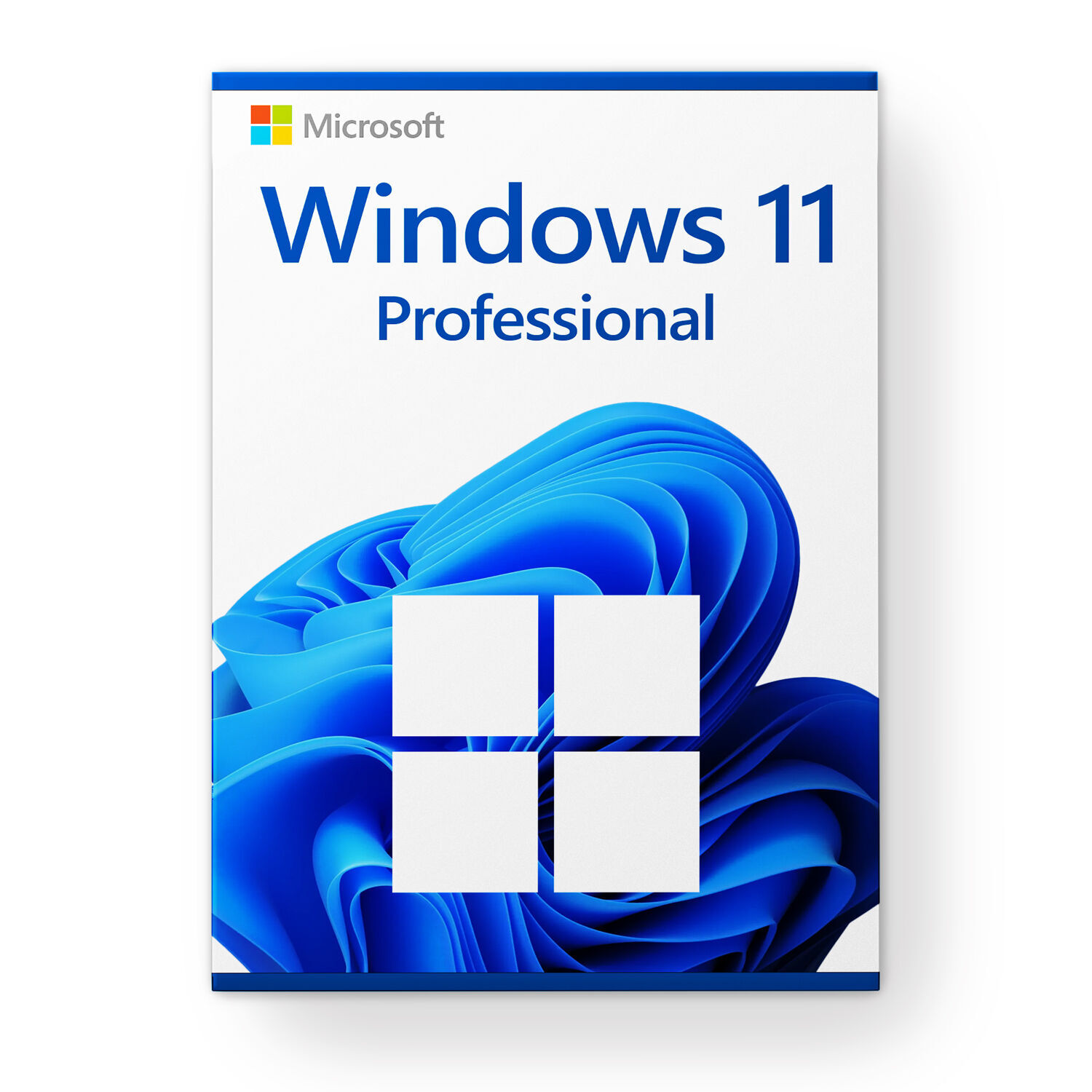
Windows 11 Pro: the complete Windows for work and home
Windows 11 Pro is the most complete edition of Windows 11 for PCs. It includes everything in Home, from the refreshed interface, Snap Layouts for side-by-side windows and multiple desktops to the latest security updates, and adds the tools a professional, an office or a power user needs.
This license activates one computer and is multilanguage. Install Windows in English, Greek or any other language you prefer.
What you gain over Home
- BitLocker: full encryption of your drive and USB sticks. If your laptop is lost, nobody can read your files.
- Remote Desktop: connect to your computer from home or another city and work as if you were sitting in front of it.
- Hyper-V and Windows Sandbox: run virtual machines or test unknown programs in an isolated environment that is wiped when you close it.
- Domain join and Group Policy: the PC joins a business network and can be managed centrally.
- Update control: postpone major upgrades so they never hit at a critical moment.
- Local account: a more flexible initial setup, valued by anyone who sets up computers for others.
Who it is for
Freelancers, small offices, IT students, developers and anyone who wants their computer without limits. It is also the right choice when upgrading from Windows 10 Pro and keeping the same capabilities.
Minimum system requirements
- 64-bit processor, 1 GHz or faster, with 2 or more cores, from the Microsoft compatibility list
- 4 GB RAM and 64 GB storage
- UEFI with Secure Boot and TPM 2.0
- DirectX 12 compatible graphics
Windows 11 is available in 64-bit only.
Installation and activation
- After payment you receive the 25-character product key by email.
- Download the media creation tool or the ISO file from the official Microsoft download page and create a USB installer.
- Install Windows and enter the key when prompted. If Windows is already installed, enter it under Settings > System > Activation > Change product key.
- Activation completes online within a few seconds.
Frequently asked questions
I have Windows 11 Home. Do I need a clean install?
No. Enter the Pro key in the activation settings and Windows upgrades to Pro within minutes, keeping your files and programs.
How do I know if my PC supports Windows 11?
Run the Microsoft PC Health Check app. It tells you straight away whether you meet the requirements.
Can I use it for business?
Yes. The Pro edition is intended for both personal and business use.
- Windows
No reviews found
- Most popular
- On sale
- Recently viewed